
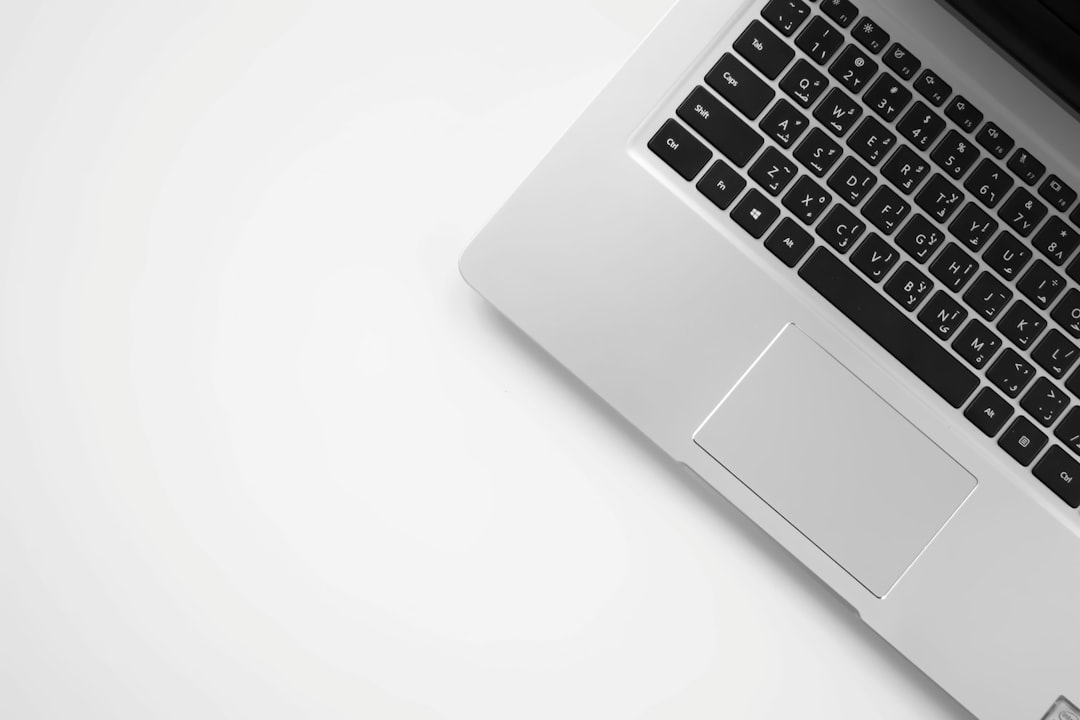
Choosing the right laptop can be a daunting task, especially with the myriad of options available today. Whether you are a student, a professional, or a casual user, understanding your specific needs is crucial in making an informed decision. This guide will walk you through the essential factors to consider when selecting a laptop that best suits your requirements.
Identify Your Primary Use
The first step in choosing the best laptop is to identify what you will primarily use it for. Are you looking for a device for gaming, graphic design, or simply browsing the web? Each use case has different requirements in terms of processing power, graphics capabilities, and storage. For instance, gamers will need a laptop with a powerful GPU, while students may prioritize portability and battery life.
Once you have a clear understanding of your primary use, you can narrow down your options significantly. For example, if you are a graphic designer, you might want to look for laptops with high-resolution displays and color accuracy. On the other hand, if you are a frequent traveler, a lightweight laptop with a long battery life should be at the top of your list.
Set Your Budget
After determining your primary use, the next step is to set a budget. Laptops come in a wide range of prices, and it’s essential to find a balance between features and affordability. While it might be tempting to go for the cheapest option, investing a little more can often yield better performance and longevity. Consider what features are non-negotiable for you and allocate your budget accordingly.
Keep in mind that there are often sales and discounts available, especially during holiday seasons or back-to-school promotions. It’s worth doing some research to find the best deals on the laptop that meets your needs. Additionally, consider the long-term value of your investment; sometimes spending a bit more upfront can save you money in repairs or replacements down the line.
Evaluate Specifications
Once you have a budget in mind, it’s time to dive into the specifications of the laptops you are considering. Key specifications to look at include the processor, RAM, storage type, and battery life. A powerful processor, such as an Intel i5 or i7, will ensure that your laptop runs smoothly, especially when multitasking. Similarly, having at least 8GB of RAM is recommended for most users to ensure efficient performance.
Storage is another critical factor; SSDs (Solid State Drives) are faster and more reliable than traditional HDDs (Hard Disk Drives). If you plan to store large files or run demanding applications, opt for a laptop with a larger SSD. Battery life is also crucial, particularly for users who are often on the go. Aim for a laptop that offers at least 8 hours of battery life to avoid the hassle of frequent charging.
Consider Portability and Design
Portability is an essential factor, especially if you plan to carry your laptop around frequently. Look for a lightweight design that is easy to transport without compromising on performance. The size of the laptop screen is also important; a 13 to 14-inch screen is generally ideal for portability, while a 15-inch screen may offer a better viewing experience for multimedia tasks.
Additionally, consider the build quality and design of the laptop. A sturdy laptop will withstand the rigors of daily use, while a sleek design can be aesthetically pleasing. Pay attention to the keyboard and trackpad quality as well, as these are crucial for a comfortable user experience. A backlit keyboard can also be a great feature for working in low-light conditions.
Step-by-step plan:
Step 1: Identify your primary use for the laptop to narrow down your options. Step 2: Set a budget that balances features and affordability. Step 3: Evaluate the specifications, focusing on processor, RAM, and storage type. Step 4: Consider portability and design to ensure comfort and convenience.